Report Builder · Example
Load Take-down & Beam Sizing Schedule
The spreadsheet you paste from Excel: a load take-down with live formulas that sum the design load, then carries it into a solved beam — merged cells, column widths and all.
What this example shows
- A cover page with the firm logo, and a ruled header + page-numbered footer.
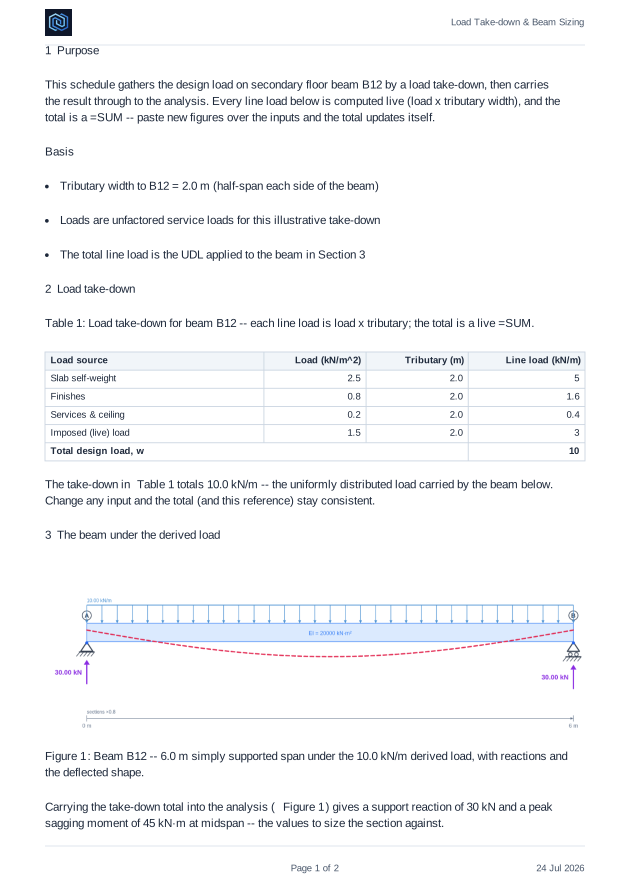
- A paste-from-Excel load take-down with LIVE formulas: each line load is load x tributary, and the total is a =SUM that updates when you change an input.
- A merged total row and a wide description column — real spreadsheet formatting, not a picture of a table.
- The derived line load carried straight into a solved beam diagram, reactions and all.
- Automatic table and figure numbers with self-updating cross-references.
The model, and what it works out to
| Structure | Floor build-up carried down to beam B12 |
|---|---|
| Tributary width | 2.0 m — half a span each side of the beam |
| Derived load | 10.0 kN/m, summed by live formulas in the schedule |
| Span | 6.0 m simply supported |
| Reactions | 30 kN at each support |
| Peak bending moment | 45 kN·m sagging at midspan |
Every number above is worked in the document itself — by hand first, then against the StructureCalcs solver — and the downloadable .screport file carries the live model, so you can open it in the Report Builder and change any input.
The first pages
Download for the full reportA preview of the opening pages, rendered by the same engine that produces the download.

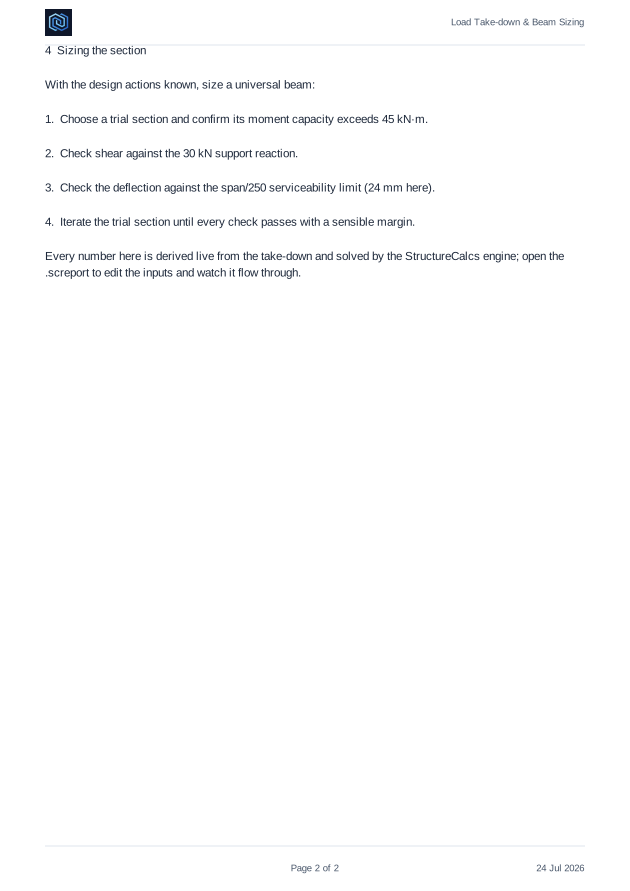
Every number in this report is produced by the StructureCalcs engine from a verified model — the figures are solver-exact and the model travels inside the .screport, so opening it in the builder reconstructs the analysis and lets you carry on.